The intent of this article is to provide guidance on the workflow adding account numbers and how to enable services on account numbers.
Introduction
FedEx® provides a unique user account to each customer. There can be multiple account numbers associated with this user account, and the services enabled on each account number are specific to a given account number. Both account numbers and the services enabled are configurable within a user account.
Enable services for more features
Optimum Parcel performs all aspects of the workflow required to file damage claims, pull reports and manage time-consuming processes. To do so, account numbers and services must be associated with a FedEx® user account.
There are two ways to enroll FedEx® shipping account numbers:
Through claims dashboard.
Through FedEx® Reporting Online.
The directions below detail the process to enroll shipping account numbers
# Steps To Enroll Account Number Through Claims Dashboard
Under the Support drop-down menu, tap File a Claim
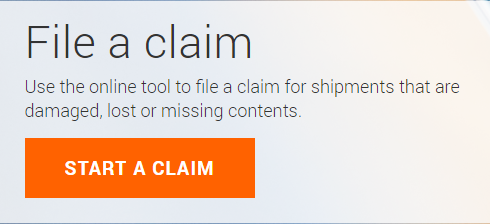
4. Select Start a Claim
Fig. 2. Click Start a claim
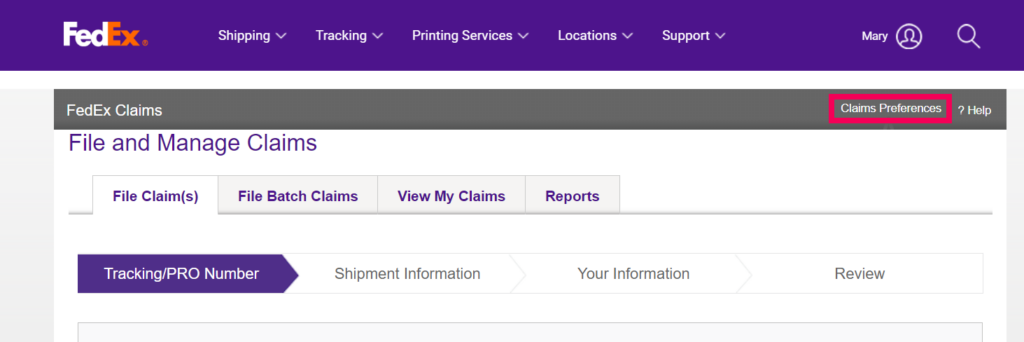
5. Tap Claims Preferences
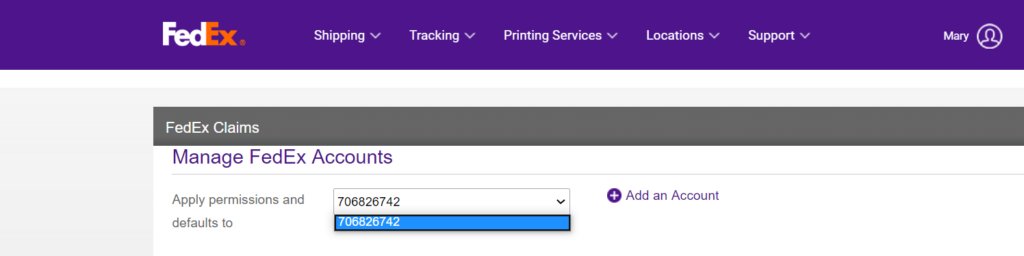
6. Related account number is not listed, tap Add an Account
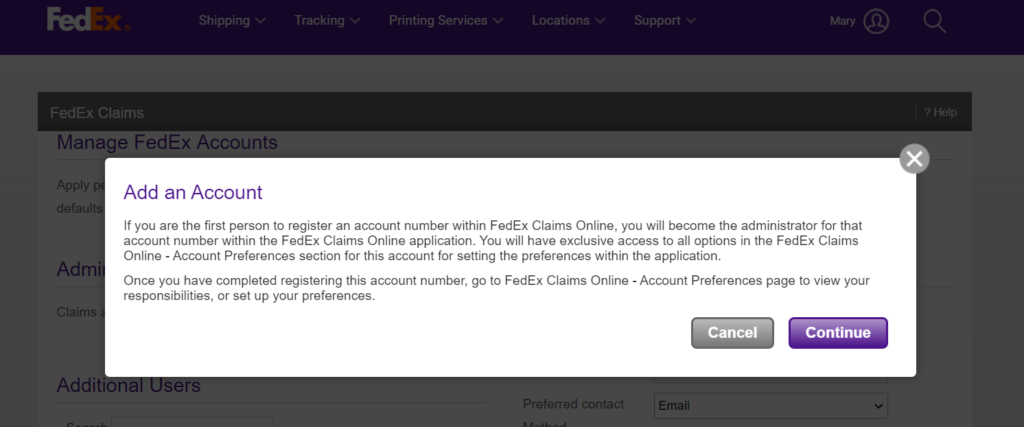
Fig. 4. Add an Account
7. Click Continue.
Fig.5. Continue
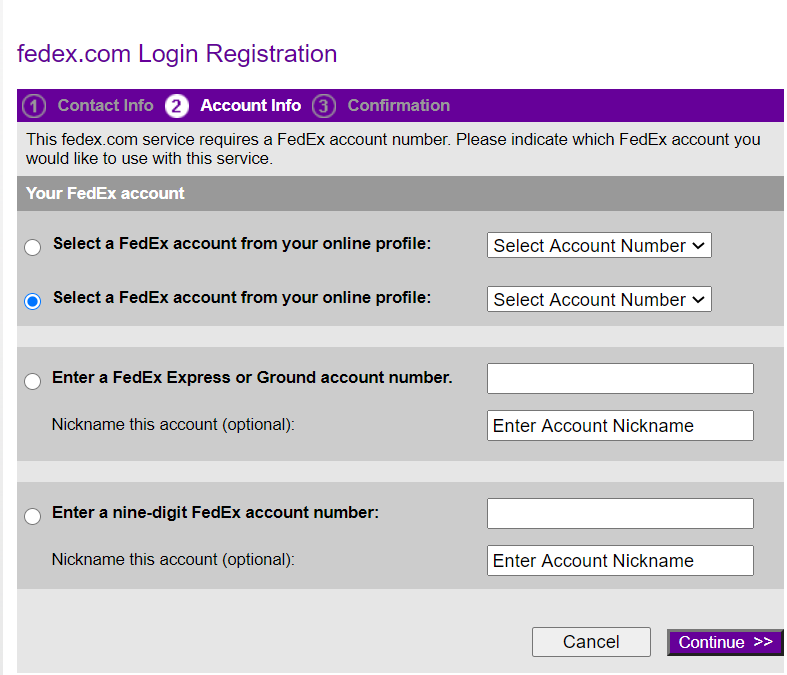
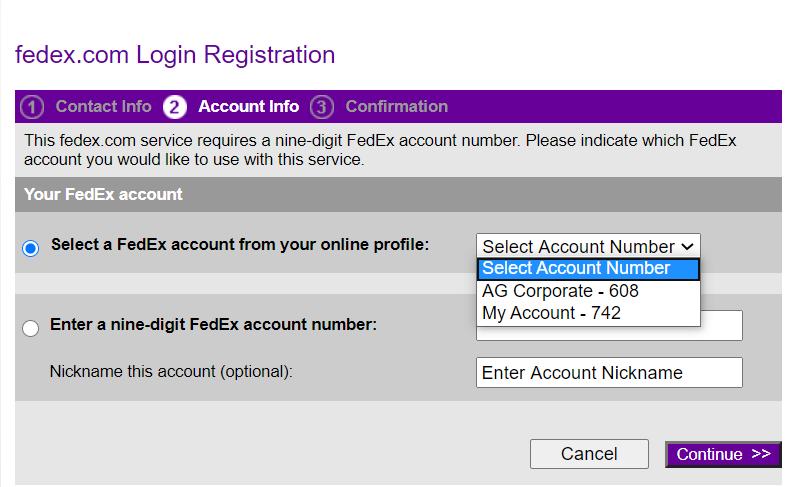
8. Select or Enter the related account number and click continue
Fig. 6. Select or enter account number here and continue
9. The account is now added for lost and damage claims.
Steps To Add Shipping Account Numbers Through FedEx® Reporting Online
Repeat Steps 1 to 3
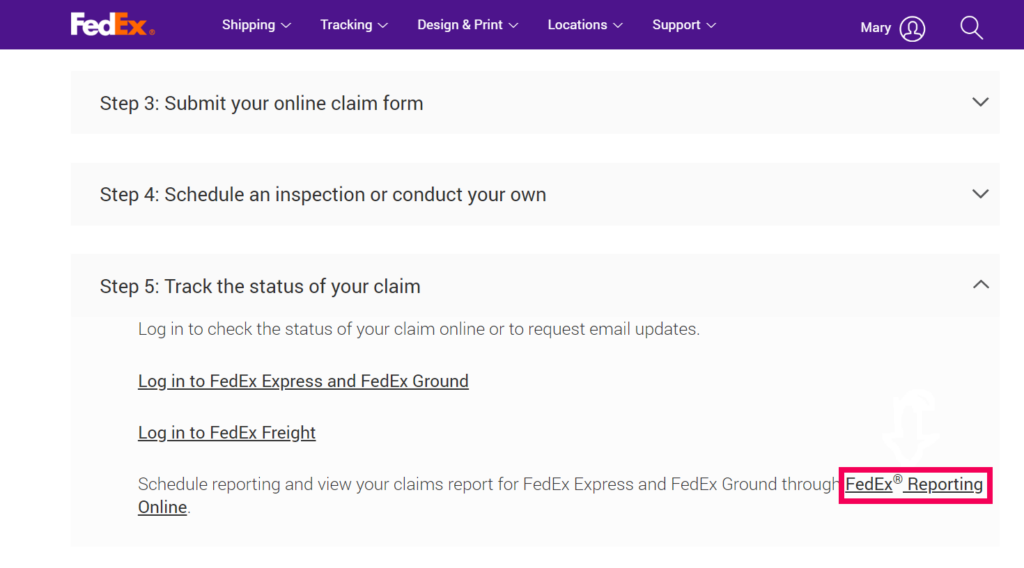
Scroll down and select step 5 on fedex site and tap FedEx Reporting Online
3. Click On Manage Reports
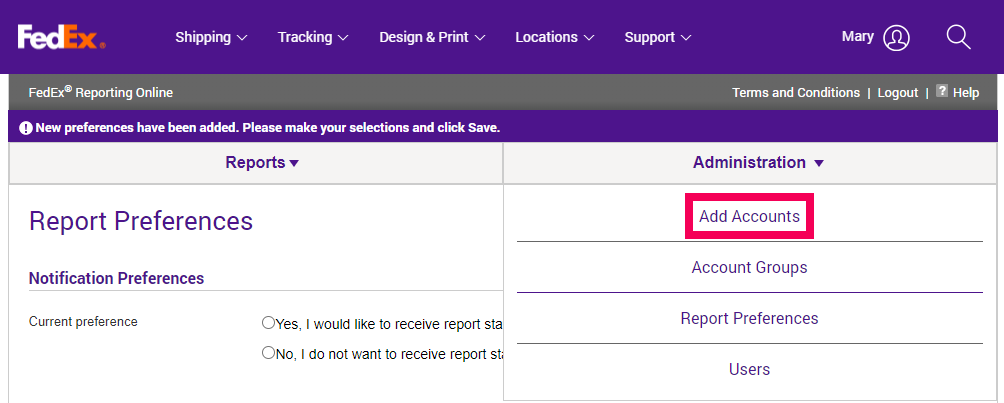
4. Under Administration Select Add Accounts
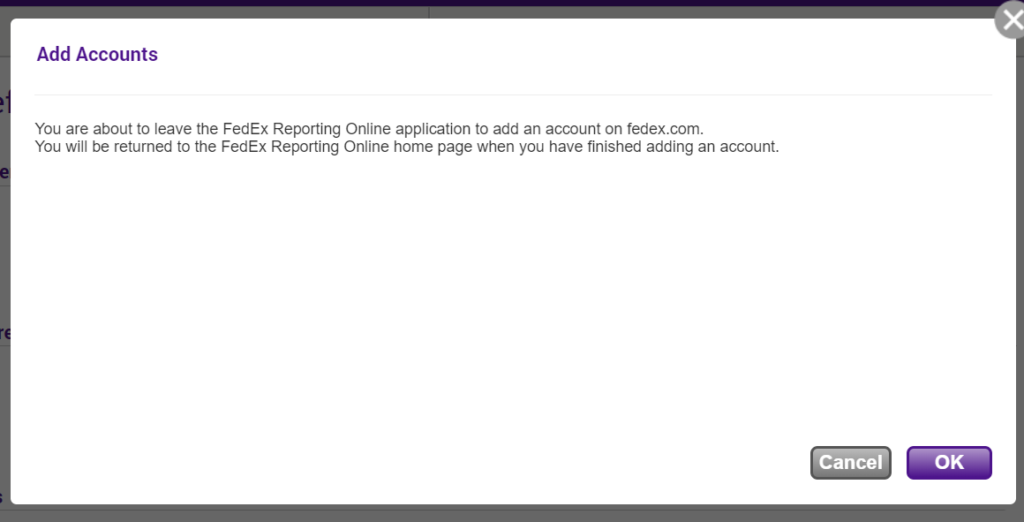
5. Click Ok
6. Select or Enter the related account number and click continue
7. Sometimes FedEx® asks for two recent invoice numbers after filling account number. Fill the recent two invoice numbers and continue.
8. The account is now added for lost and damage claims.
Note:
Exceptions can be there, Sometimes FedEx® asks for account number related addresses like billing address, shipping address or receiver’s address. In this case, Needs to enter related information and click continue.